 Nettside.ai
Minecraft Server Setup: How to Build a Survival SMP That Players Actually Stay On
Getting a Minecraft server running takes an afternoon. Getting players to stay takes a system. Here is how to approach your setup — from jar selection to gameplay hooks — so your SMP has a real identity from day one.
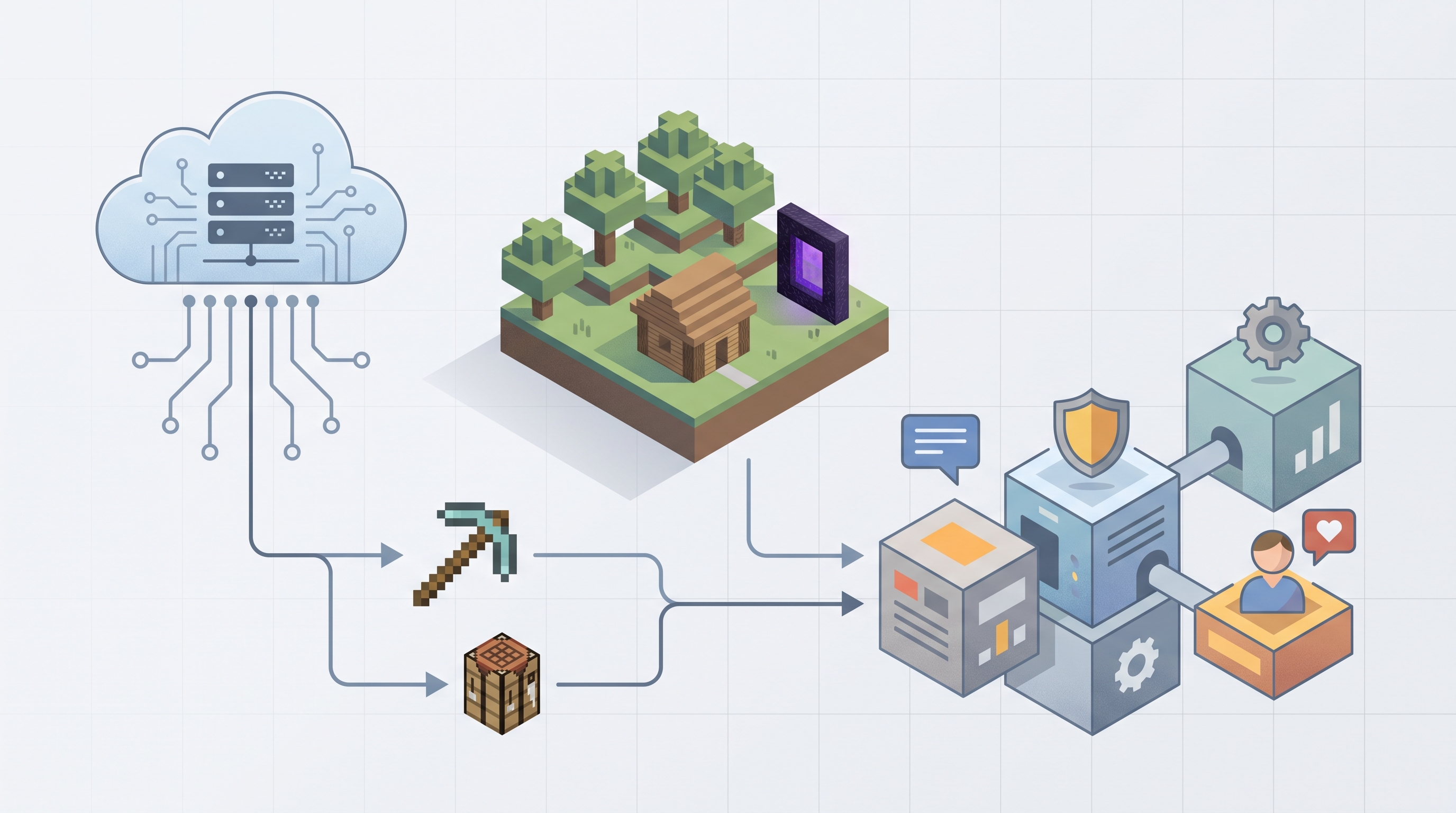
Most guides on starting a Minecraft multiplayer world stop at the basics: pick a hosting plan, upload a server jar, open port 25565, done. That covers the technical floor, but it misses the real challenge. Players joining a new SMP in 2024 have thousands of alternatives. If your server feels like a blank slate, they leave within the first session. A thoughtful minecraft server setup — one that combines the right software stack with a defined gameplay loop — is what separates servers that grow from servers that stall out at five concurrent players.
The Core Technical Steps: What Every Setup Needs
Before any gameplay design decisions, you need a stable foundation. Here is a practical starting checklist most successful SMPs follow:
First, choose your server jar wisely. Vanilla works for two friends, but most public SMPs run PaperMC for its performance optimisations and plugin support. Second, allocate RAM based on expected player count — a rough rule is 1 GB of base memory plus roughly 0.5 GB per ten active players, so a 20-slot server should start with at least 2–3 GB. Third, configure your essentials plugin layer before opening to the public: permissions (LuckPerms), economy (Vault plus an economy plugin), anti-cheat, and a basic spawn region. Fourth, test with a small group before announcing. Bugs discovered during a soft launch are far easier to fix than bugs reported by 50 frustrated players.
These four steps handle the infrastructure side. The harder problem is what you actually put inside that infrastructure.
Why Generic Survival Servers Lose Players Fast
The Minecraft multiplayer space is crowded at every tier. Players can pick from semi-vanilla worlds, economy servers, Lifesteal networks, and themed SMPs in minutes. Without a clear hook — a reason to grind, a social mechanic, a defined win condition — most servers see heavy drop-off after the first week. Server owners who have gone through a full minecraft server setup and launched publicly often report that the technical side took a day, while building a retention system took weeks of iteration. Investing that thinking upfront, before launch, is measurably more effective than patching it in later.
Adding a Gameplay Identity: The TimerSMP Model
One approach gaining traction in 2024 is the TimerSMP format: a survival server where a shared countdown timer creates urgency, elimination and revival mechanics add stakes, and team structures encourage social bonds between strangers. Instead of infinite open-ended survival, players have a defined arc — which gives them a reason to log back in each session. Pre-configured SMP setups that bundle this format with economy, crates, rank progression, spawn design, and scoreboards already in place can cut launch preparation time from weeks to days. PaperNodes offers one such ready-made package for server owners who want this kind of structured experience without building every system from scratch. It is one option worth evaluating alongside building your own plugin stack, particularly if time-to-launch matters more than full customisation control.
Matching Your Setup to Your Hosting Environment
Even the best plugin configuration underperforms on weak hardware. Key specs to check before committing to a host: CPU single-thread performance (Minecraft is largely single-threaded, so clock speed matters more than core count), NVMe storage for fast chunk loading, and a server location within roughly 100 ms of your target audience. DDoS protection is worth paying for on any public server — attacks on game servers are common and can end a community overnight if the host has no mitigation in place. Cross-reference these specs against the actual price tier you are buying, and read support response-time guarantees carefully before signing up. A host that takes 48 hours to respond to a crashed server is a real liability once you have an active player base depending on uptime.
The bottom line: a successful Minecraft server in 2025 is part technical project and part product design. Nail the infrastructure checklist, define a gameplay hook before you open the doors, and choose hosting hardware that can actually sustain the experience you are promising. Getting those three things right in the right order is what turns a minecraft server setup into a server people recommend to their friends.