 Nettside.ai
Custom Gaming PC: How to Choose the Right Build for Your Budget and Goals
Thinking about a custom gaming PC but not sure where to start? This guide breaks down the key decisions — from budget tiers and component priorities to whether building yourself or ordering a configured system makes more sense for you.
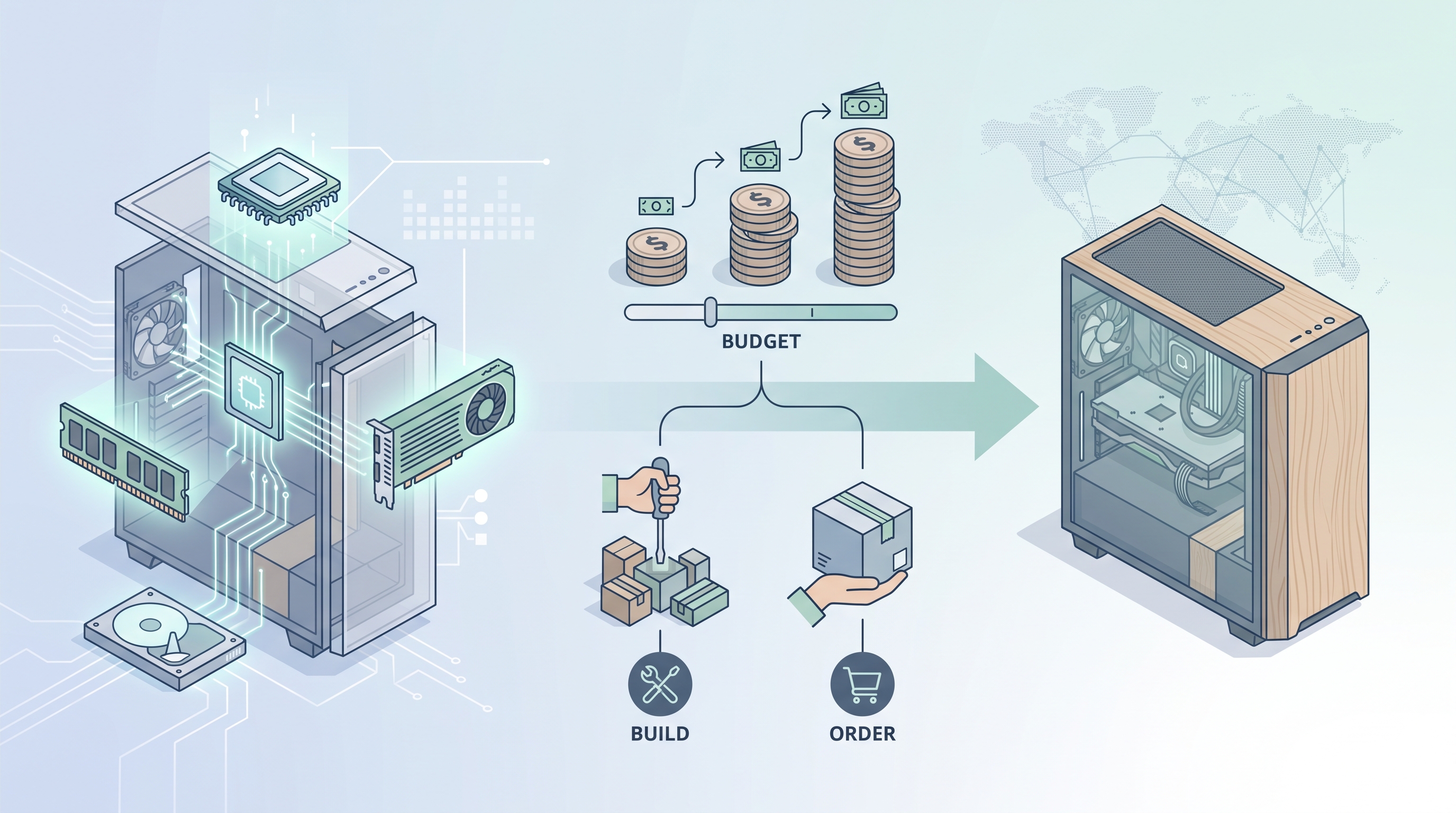
Whether you are a competitive FPS player chasing high frame rates or a content creator who renders video between sessions, the PC you game on shapes what is actually possible. Many builders find that going with a custom gaming pc makes sense precisely because it lets them allocate budget where it matters most — a stronger GPU for 4K gaming, extra RAM for streaming, or faster storage for quicker load times — rather than paying for a balanced but compromise-heavy off-the-shelf box.
Start With a Realistic Budget Range
Before picking any components, anchor everything to a number. Three broad tiers cover most buyers. Entry-level builds in the £700–£1,000 range typically pair a mid-range CPU such as an AMD Ryzen 5 or Intel Core i5 with a GPU around the RTX 4060 class, targeting smooth 1080p gameplay at high settings. Mid-range builds between £1,100 and £1,600 unlock 1440p performance with cards like the RTX 4070 or RX 7800 XT and enough CPU headroom for light streaming. High-end systems from £2,000 upward — think Ryzen 9 or Core i9 paired with an RTX 4080 or RTX 5070 — are built for 4K gaming, heavy content creation, or both at once. These numbers shift slightly with market pricing, but the proportional logic stays consistent.
Which Components Deserve the Most Attention
The GPU drives the vast majority of gaming performance, so it is usually the right place to spend the largest share of your budget. A rough rule of thumb is to put around 35–40 percent of total spend here. The CPU matters more for tasks that are heavily threaded — video encoding, 3D rendering, running multiple applications — so if your workflow includes any of those, do not undercook it. RAM at 32 GB is the practical baseline for gaming and creation in 2024; 16 GB can feel tight if you stream, and anything above 64 GB is specialist territory. For storage, a 1 TB NVMe SSD covers a reasonable game library, but 2 TB is worth the modest extra cost on any mid-range or above build. Cooling and airflow are often treated as afterthoughts, but they directly affect sustained performance and component longevity.
Pre-Built, DIY, or Configured System — What Actually Fits Your Situation
Building from scratch offers maximum control and can save money if you source components carefully during sales, but it requires time, research, and comfort with troubleshooting. Pre-built systems from large retailers are convenient and often carry solid warranties, though they sometimes use lower-quality cases, power supplies, or RAM to hit a price point. A third path — ordering a configured system from a specialist integrator — sits between those two. You choose the components from a curated list, the build is assembled and tested professionally, and you still get the flexibility of a tailored specification. Some integrators also accommodate buyers who already own a GPU, fitting the existing card into the new system rather than requiring a full component purchase. The right option depends on your confidence with hardware, how quickly you need the machine, and how much you value warranty coverage versus component freedom.
Practical Buying Advice Before You Commit
Benchmark databases and game requirement pages are your best friends during the research phase. Sites that aggregate real-world frame rate data let you cross-check whether a GPU actually hits your target resolution and refresh rate in the specific games you play. Check warranty terms carefully — a two-year parts and labour warranty is a reasonable baseline, and some integrators extend this further. Delivery timelines vary significantly; next-day configured systems exist, but custom orders with specific parts can take longer depending on component availability. Finally, think one generation ahead: buying a platform that supports faster RAM or the next CPU generation without a motherboard swap can meaningfully extend the useful life of the whole build and protect your investment over a longer horizon.