 Nettside.ai
AI Receptionist for Small Businesses: What to Look For and How to Get Started
Missed calls cost small businesses real revenue. Here is what an AI receptionist actually does, which industries benefit most, and the key criteria to evaluate before you commit.
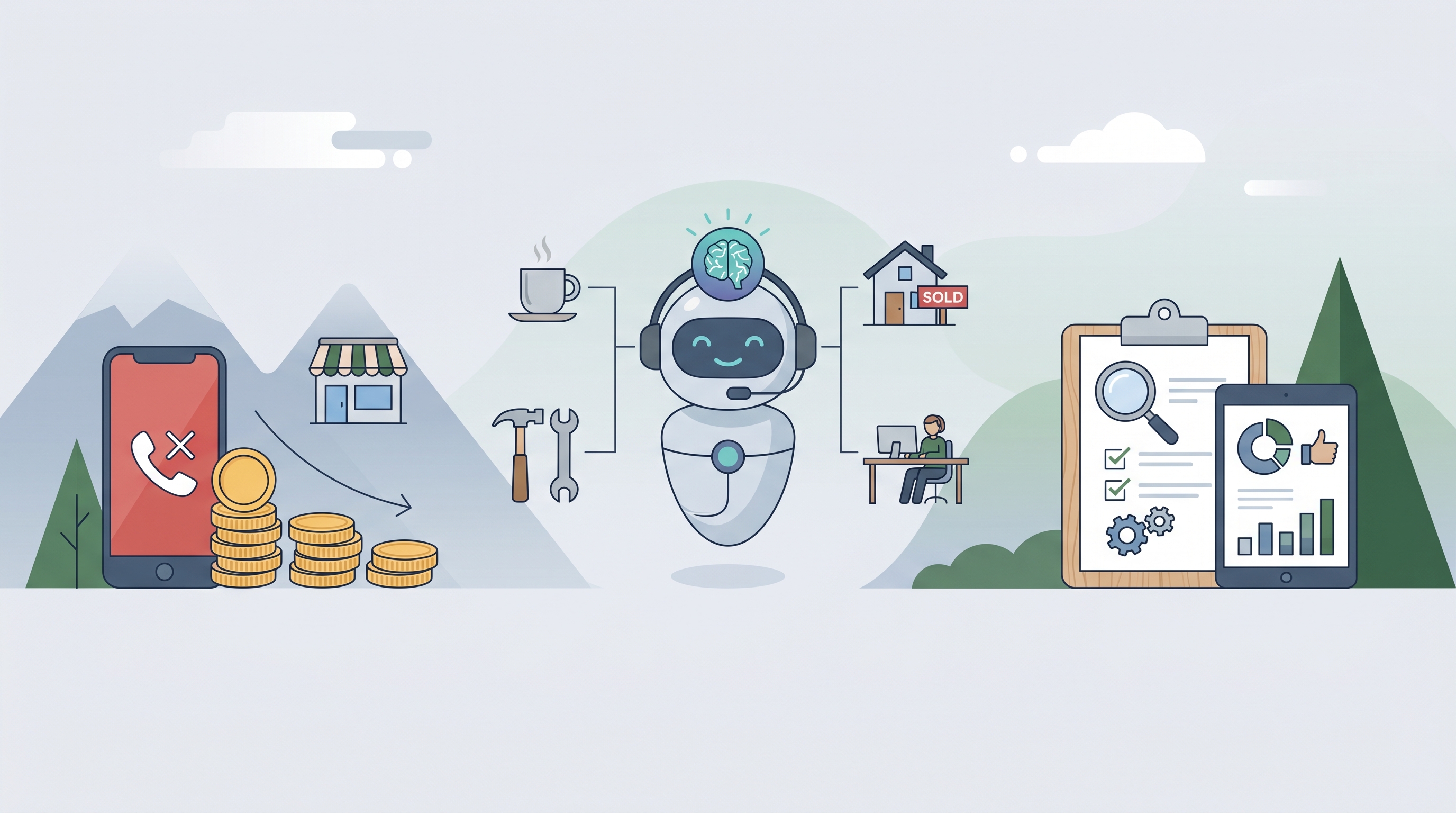
Every unanswered call is a potential customer who moves on to the next result in their search. For small businesses that rely on inbound inquiries — plumbers, dentists, salons, law firms — the cost of a missed call can easily exceed a hundred dollars in lost revenue. That is the core problem an AI receptionist solves: consistent, around-the-clock call answering without the overhead of a full-time front desk hire.
What an AI Receptionist Actually Does
At its simplest, an AI phone answering service picks up calls, holds a natural conversation, and routes or logs the outcome — whether that means booking an appointment, capturing a lead, or flagging an urgent issue for immediate callback. The quality of that conversation has improved substantially in the past two years, largely because large language models can now handle context mid-call rather than forcing callers through rigid menu trees. Several platforms position themselves as an AI Receptionist for small businesses, handling everything from after-hours emergencies to routine scheduling without any human intervention. The best tools go further by generating real-time transcripts and structured call summaries, so business owners review what happened rather than listen to voicemail recordings.
Which Industries See the Biggest Return
The value of AI call answering is not uniform across sectors. Industries where urgency drives the buying decision — plumbing, HVAC, electrical, and dental emergencies — tend to see the clearest return on investment. An HVAC company that captures a no-heat call on a January evening rather than losing it to voicemail is recovering a job that could be worth $300 to $600. Salons and law firms benefit differently: the priority there is accurate scheduling and intake, not emergency triage. The practical implication is that you should look for a tool with industry-specific templates and vocabulary rather than a generic call script. A caller describing a burst pipe responds better to terminology and urgency handling tuned to plumbing than to a one-size-fits-all flow.
Key Criteria When Evaluating Your Options
Before committing to any platform, weigh four factors. First, setup time and technical requirements: the best services go live in under an hour with no code or telephony engineering. Second, call pricing model — some platforms charge a flat monthly fee regardless of volume, while others bill per call answered; the right structure depends on how predictable your inbound volume is. Third, integration depth: does the tool connect directly to your calendar, CRM, or dispatch system, or does it only email you a summary? Fourth, voice quality and conversation naturalness — listen to a live demo call before signing up, because robotic delivery erodes caller trust quickly. OnCallClerk is one example in this space, offering industry templates, 30-plus voice options, and a pay-per-answered-call pricing model starting around $29 a month; it is worth comparing against alternatives depending on your call volume and integration needs.
Getting Started Without Overcomplicating It
A practical first step is to audit last month's missed calls. Most business phone systems or carriers can pull a missed-call report; if you do not have that data, a week of manual tracking gives you a baseline. Once you know the volume, you can calculate a rough revenue impact using your average job or transaction value. That number makes the business case concrete rather than theoretical. From there, shortlist two or three AI answering services, run a live demo call on each, and check whether the call summary you receive after the demo is accurate and actionable. Most reputable platforms offer a free trial or a no-commitment setup, so you can test real call handling before any long-term commitment. The goal is not to replace every human touchpoint — it is to make sure no inbound call goes unanswered when your team is unavailable.